
Some things to consider if you want to track the Bills that are moving through D.C. (House/Senate Bills):
-There are many committees
-There are many bills proposed constantly
-These updates will flood your inbox
-Organization is needed to make sense of these updates
-Specificity is needed to filter your collection of bills
-Have a gameplan before you begin collecting data
-Create a timeframe goal
-Have a mission goal in mind (i.e. I want to collect the last 10 years from the Armed Services Committee)
-Have reliable application(s) that can contain the data
-Have specific column-topics identified and organized for easier scanning of data AND to fulfill what you are trying accomplish
If you go to Congress.gov, you can begin organizing what you are trying to collect.
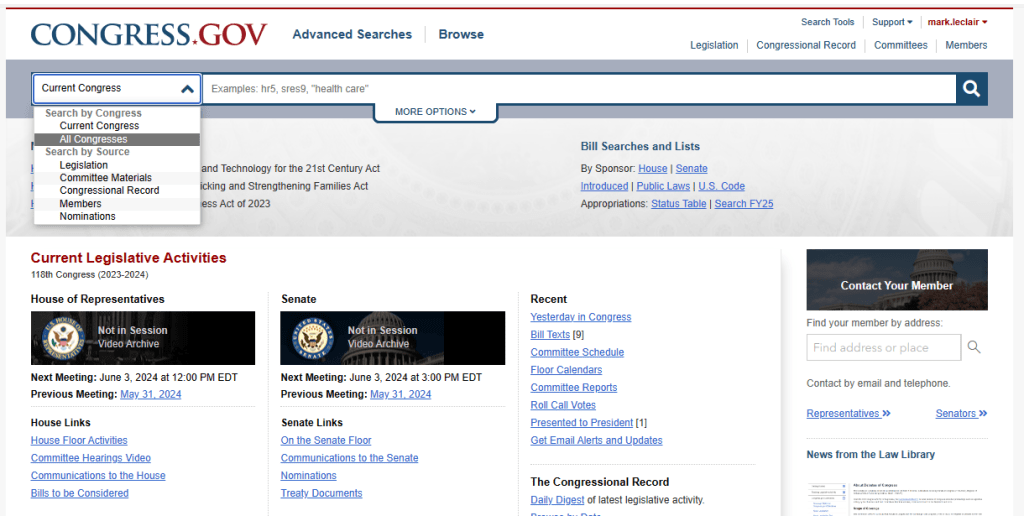
Use dropdown (above) to begin filters.
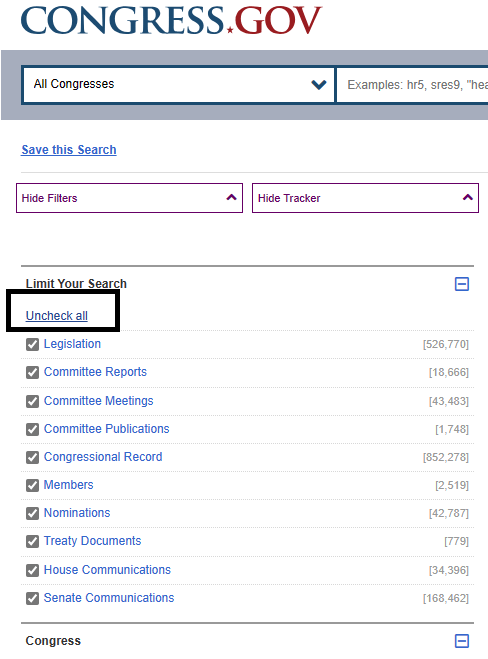
Choose UNCHECK ALL (above) to get more finite in your search.
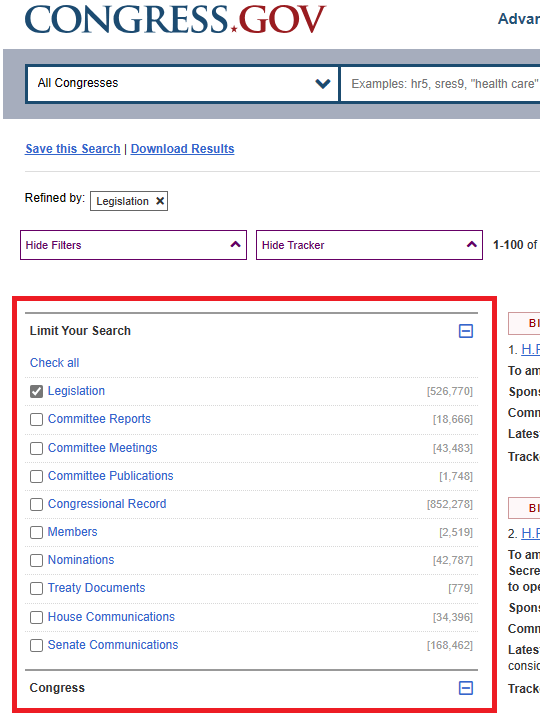
I choose LEGISLATION (above) to see only the bills.
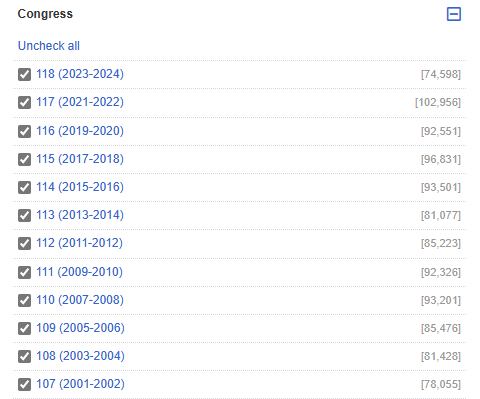
I do the same thing (above) for the specific Congress (I uncheck all, then I check the Congress I am looking into).
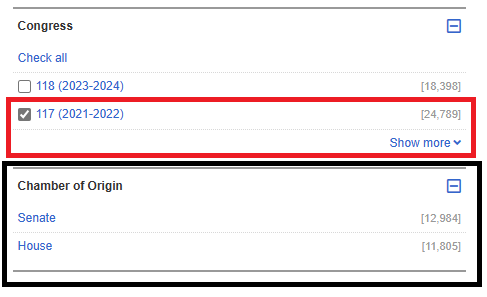
I choose the 117th Congress (red box) and the screen will update which Chambers of Origin contents (black box).
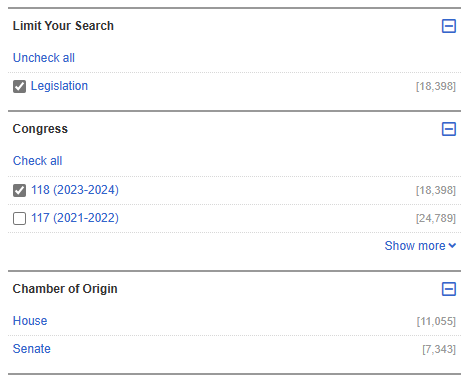
I unchecked the 117th because I won’t be able to show how to filter the data on each bill since we are in the 118th, but I kept the image of the 117th (two above) to show how we can toggle between any Congress. This is important because you can only track on ACTIVE Congress/Senate bills.
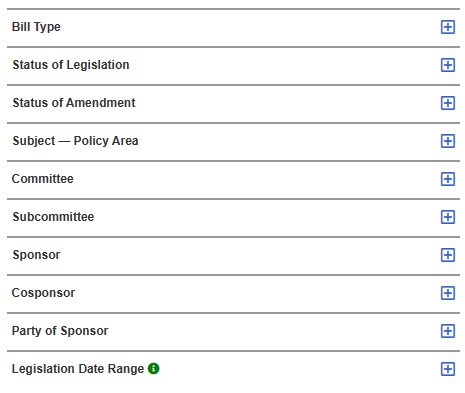
As you can see (above) there are more categories to drill through, to finite your search and tracking information. Since I am/have been tracking ALL of the veteran bills in ALL of the Congresses since the 93rd Congress, the VA Committee Bills in the 118th (current Congress) have already been tracked (and continue to be tracked) so I will choose a different Committee to show how to filter the tracking.
NOTE: First make sure you create an account on Congress.gov, to ensure you don’t have to log in each time to initiate the filters on new bills. I will explain further soon.
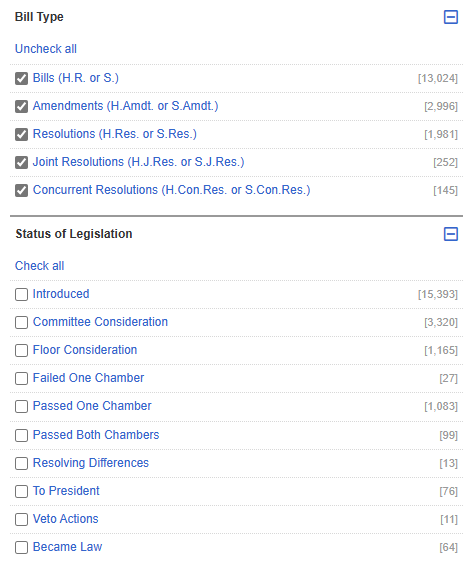
(above) you can see that all of the boxes are checked for BILL TYPE, but I haven’t checked anything in the STATUS section. I want to create my main category target first.
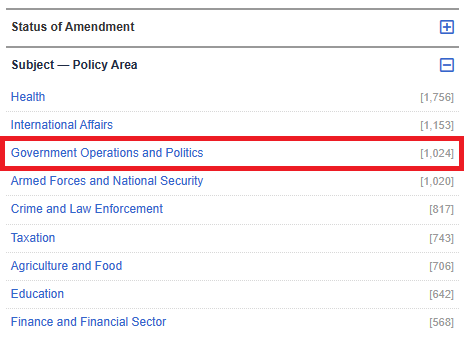
I will choose (above) Government Operations and Politics, which shows there are 1,024 bills in the 118th Congress thus far.
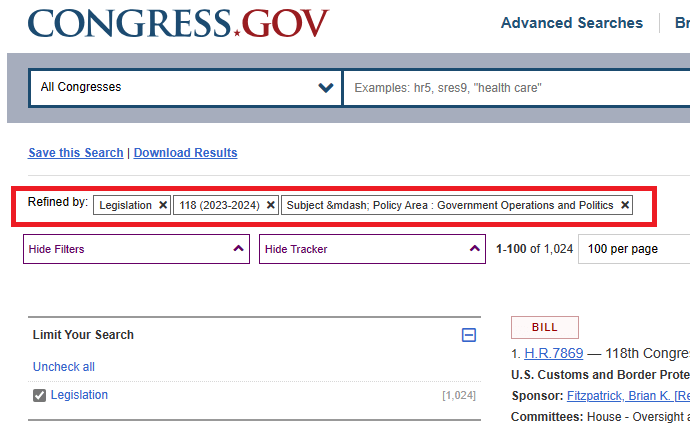
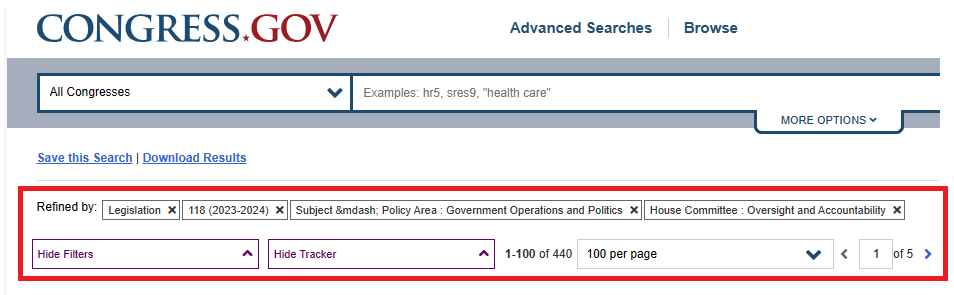
The REFINE section (top of page) will show you all filter boxes that you are defining for your search.
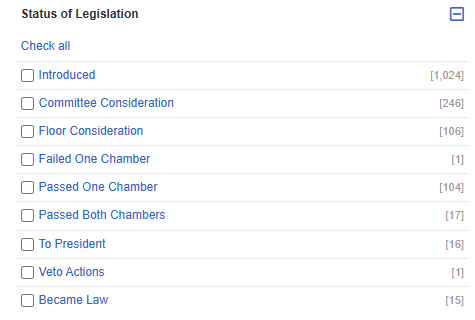
The STATUS will change (depending on the filters applied) and gives you a quick glance at what is present, but we haven’t yet chosen HOUSE or SENATE.
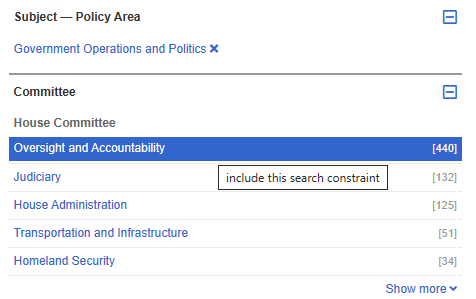
If I choose OVERSIGHT and ACCOUNTABILITY it will finite my filtering.
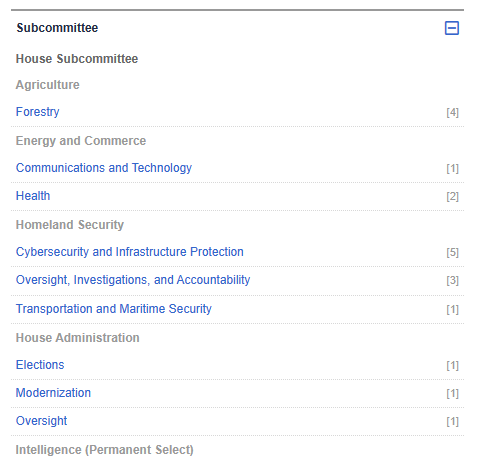
I could further finite my search criteria if wanted to get specific bills in focus to track, but for the use of this example, I am not going to track a subcommittee.

I can also look at (with my current filter criteria), party-specific information for sponsorship. This will show that of the 440 bills in this committee, 282 were GOP sponsored and 158 were Democrat sponsored.
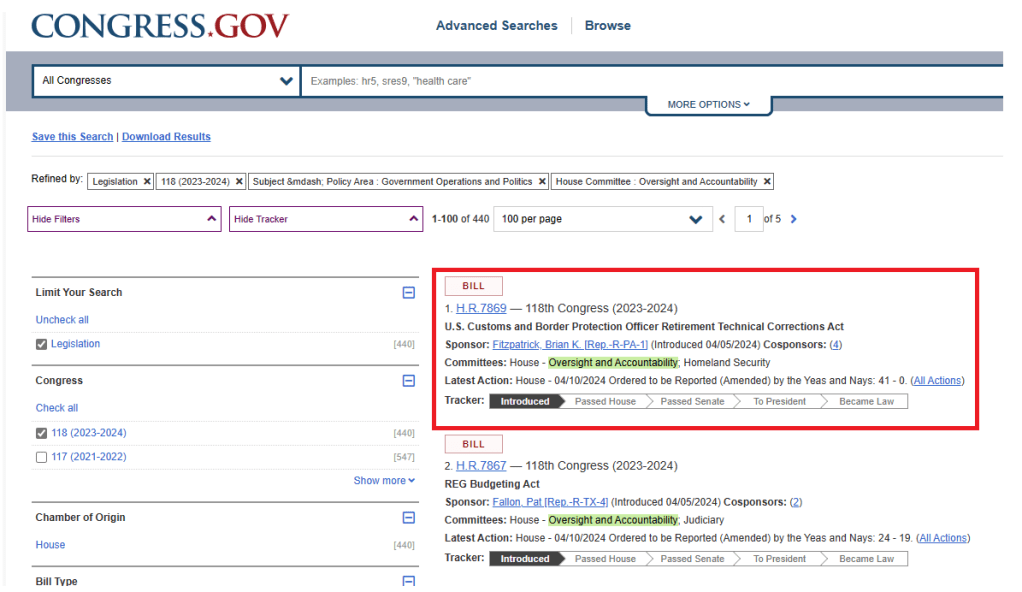
For simplicity-sake, I will show how to filter each bill. Now, with that being said, it is important to note that if you desire to track bills, you will need to go to the site each day (or whenever you want/need to update your data) to check for new bills. You will ONLY get updates on bills that you have chosen to track and depending on what type of data you are trying to collect, for accuracy, you may need to check daily to keep your tracking sheets accurate and up-to-date.
NOTE: For the above-filtered information, this link: CONGRESS.GOV for 118th GOVERNMENT OPERATIONS AND POLITICS / HOUSE COMMITTEE: OVERSIGHT AND ACCOUNTABILITY will take you to the page that is pictured above.

I choose H.R. 7869 (above).
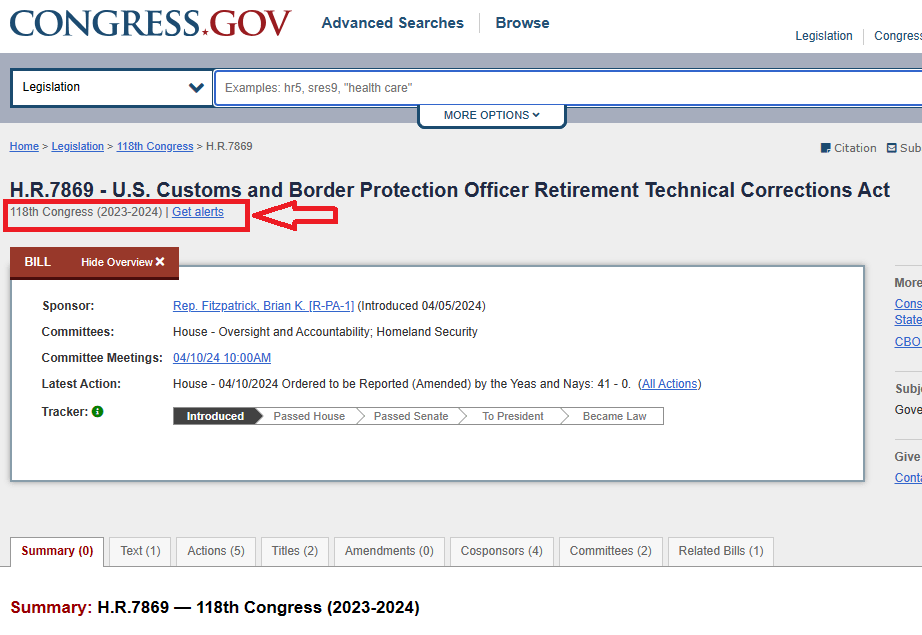
Click on GET ALERTS
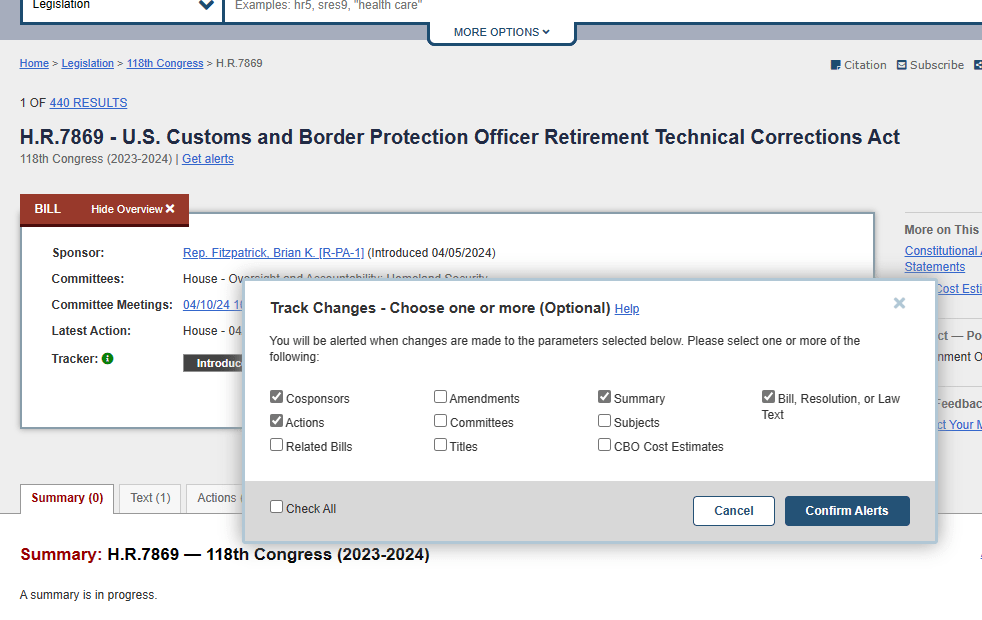
A window will open and you can choose what alerts/changes you want to receive a notification for. Some are already checked, I did not check these boxes. I want to TITLE changes to be included in the tracking. Once I check that box, I click CONFIRM ALERTS.
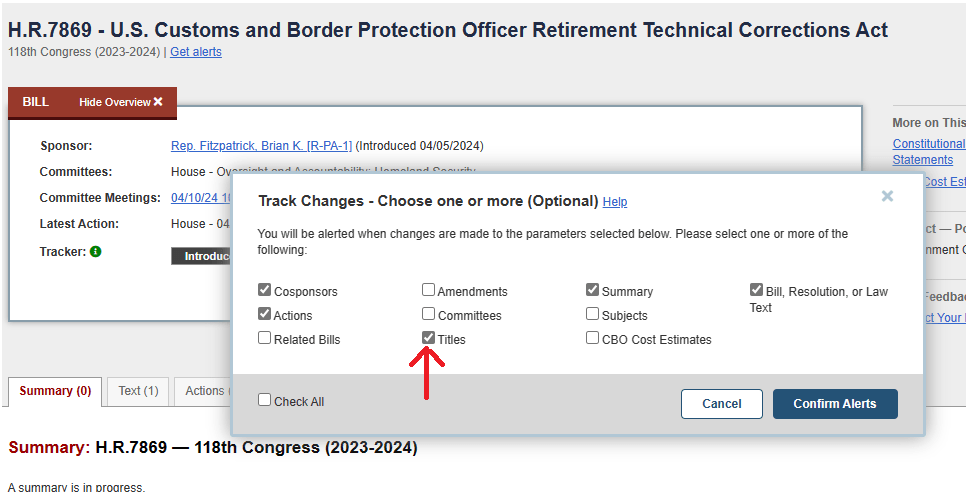
I click CONFIRM ALERTS
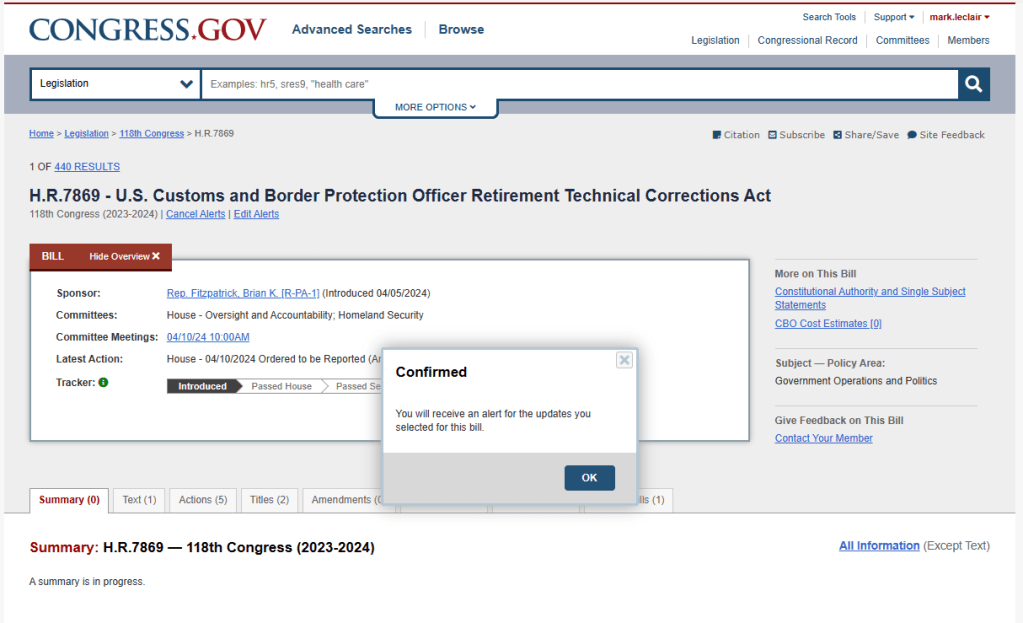
The box appears that confirms my initiation.
Any changes that occurs to this bill, from the boxes I checked, I will receive an email for.
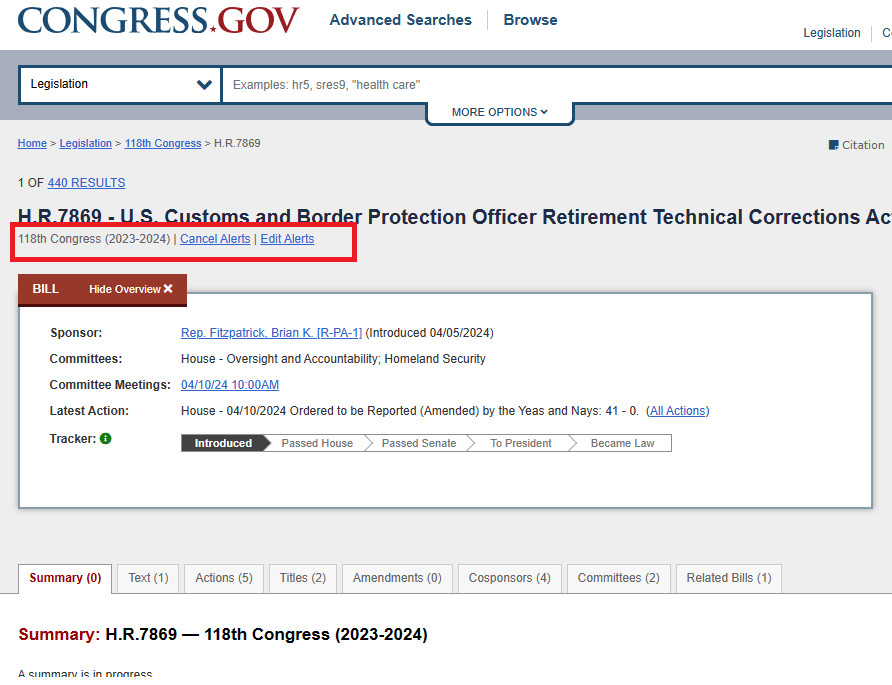
If I don’t want to receive data for this bill, perhaps it was the wrong bill, I can edit or cancel my tracking choices.
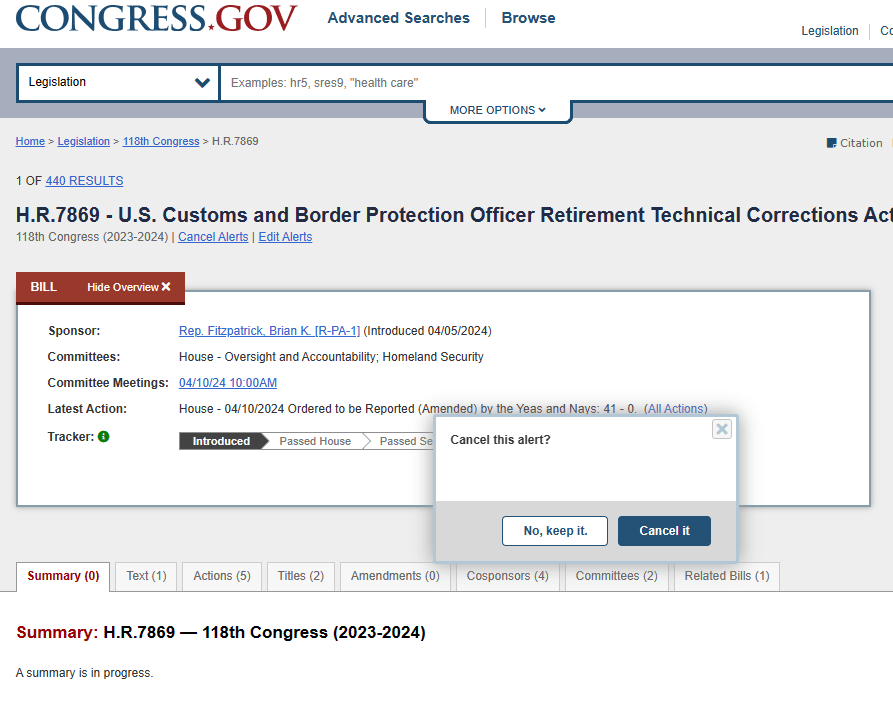
If I choose CANCEL IT, the bill will go back to its original status.

(above) back to its original form.
The tabs on each bill, provides further information when collecting data. These tabs: Summary; Text; Actions; Titles; Amedments; Cosponsors; Committees; and Related Bills, all show different information.
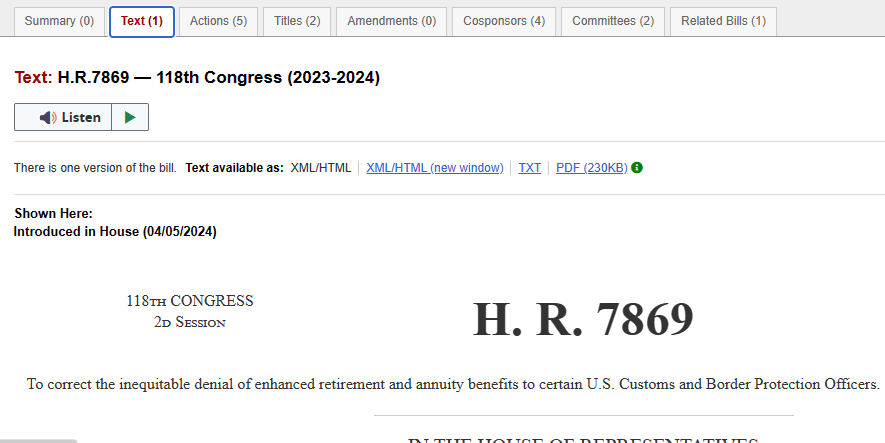
(above) Text will show the text of the Bill.
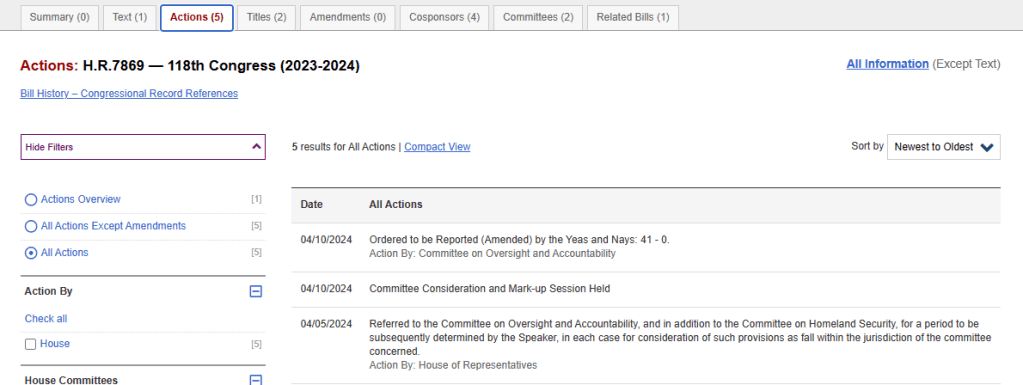
Actions will show the date and specifics of each action.
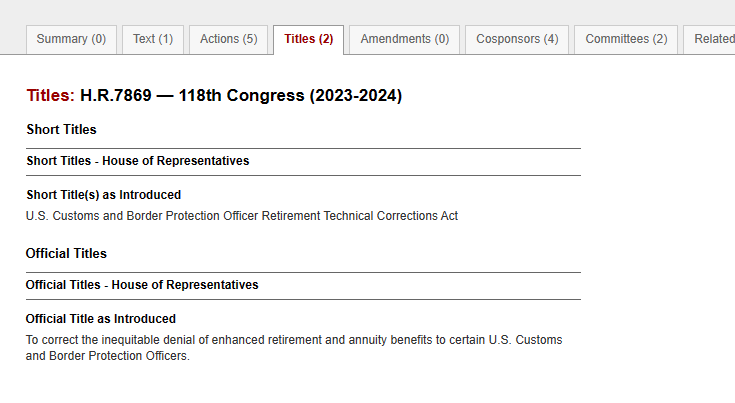
Titles (above)
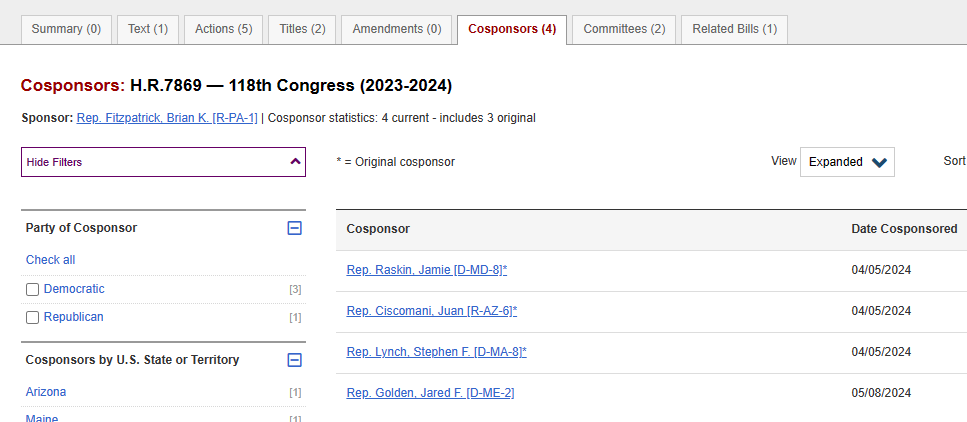
Cosponsors (above)
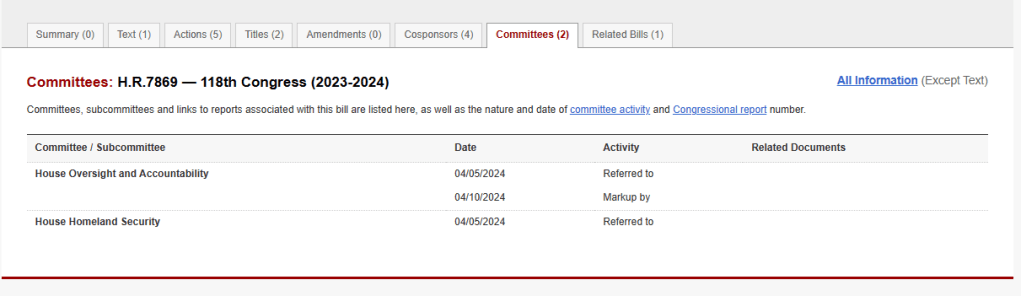
Committees (above)
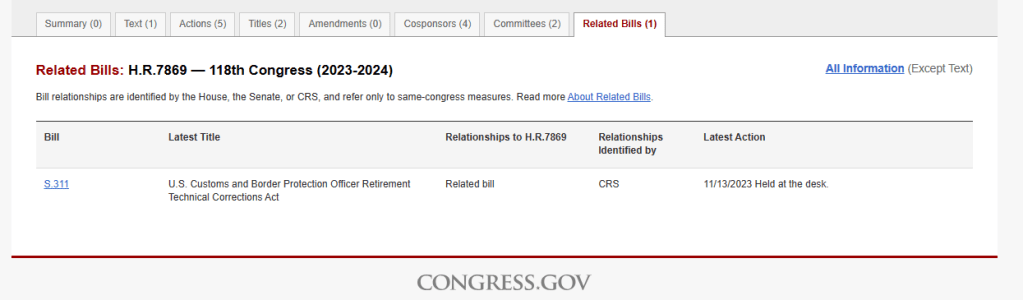
Related Bills (above) will show any bills related to this bill.
With all of that, I will warn you to not get lost in the weeds. If you track the bills, I would suggest that you track collect the data you need, not all of the data presented (of course, it depends on what you are tracking). The related bills tab is good to see the bills that may be associated with this bill (above shows a Senate Bill 3.11, which was held at desk in November of 2023).
Why would there be associated bills? Depends on what they (politicians) are trying to get out of it. An example would be:
House Bill 1111 is proposed for Customs agents to receive new uniforms. This bill has to get onto the docket, get voted on to pass the House. Once it passes the House, the Senate must pass it also. If the Senate makes or suggests a change, then it must go back to the beginning, in the House and start the process over again.
Let’s say Custom Agents REALLY need new uniforms AND this politician REALLY needs to appear pro-law enforcement/custom-agents/border patrol, then they get someone in the Senate to propose the same bill. Now, if the House Bill has issues, a backup bill (S 2222) is already passing the Senate and headed to the House.
Basically, it doubles it chances to pass into a law.
I hope this helps. It’s what I have been doing for years, to track specific committees (veteran Affairs) and is how I am able to write factual information that is quickly source-able.
Good luck but one last warning, collecting the data can become obsessive and the more data you collect, the more you have to decipher and organize to make coherent points.
 Patriot Publishings
Leave a comment